Importing and Configuring Virtual ECUs
You can import virtual ECUs into NI VeriStand using standardized interfaces like the functional mock-up unit (FMU) format. After importing, you can route the vECU signals throughout the HIL system.
- Open your project in the VeriStand Editor.
-
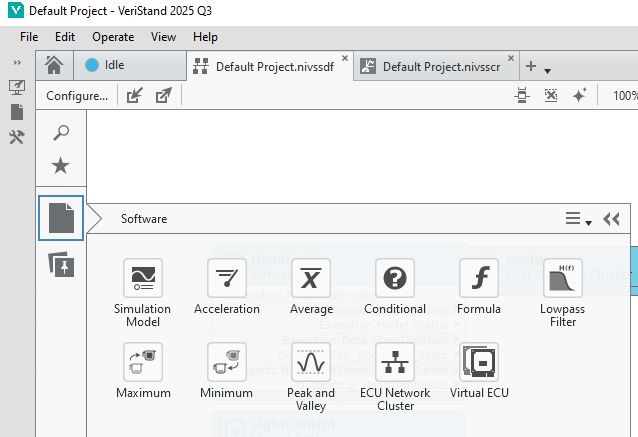
Click Software » Virtual ECU from the Software palette and place the node on the diagram.
-
Select a virtual ECU in the Open dialog box and click Open. VeriStand imports the virtual ECU.
-
Configure the virtual ECU using the Item tab in the Configuration pane.
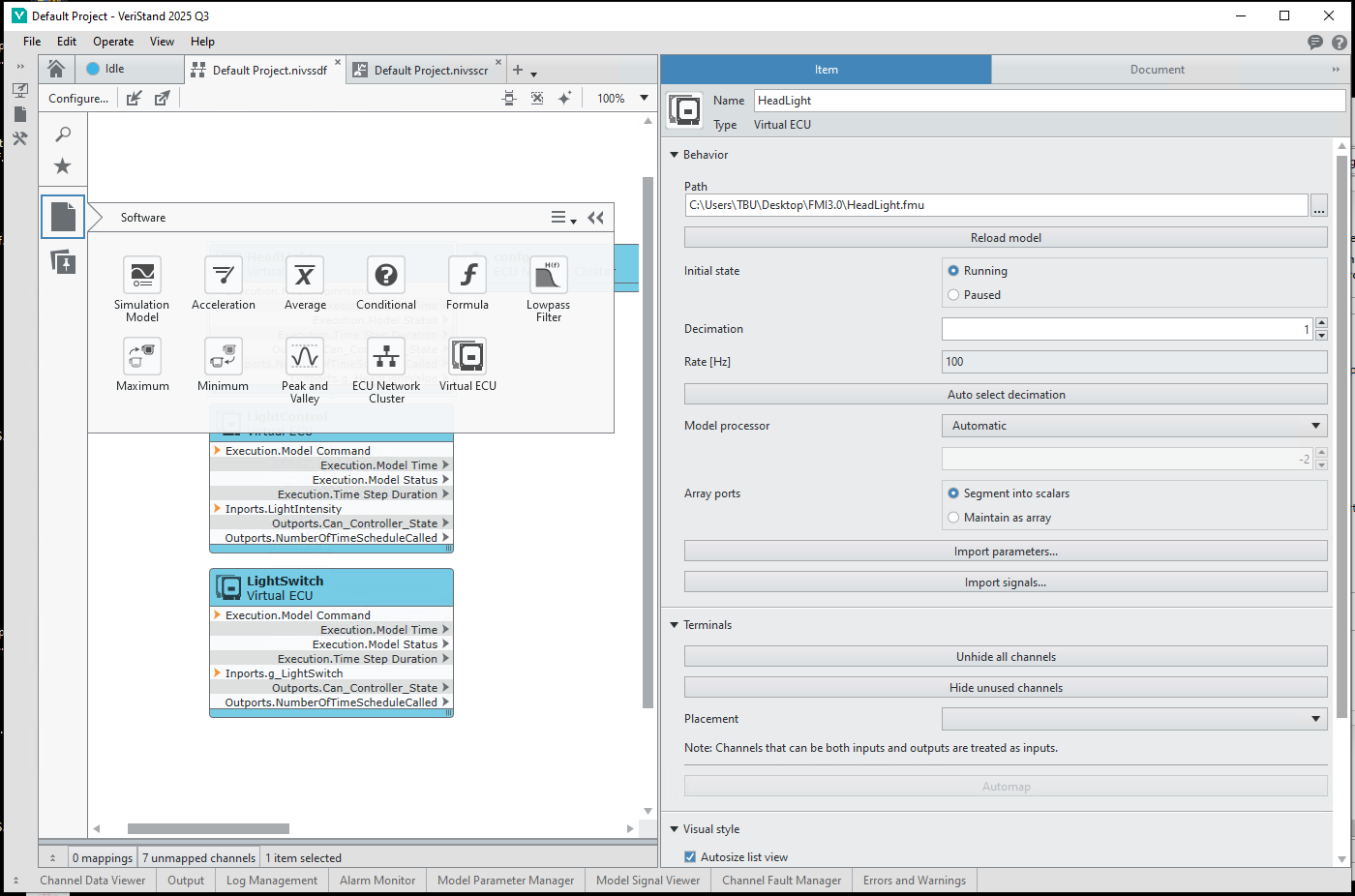
- Create mappings by wiring the channels.
- Save the system definition file.
VeriStand provides all the input and output of the vECU as signals, enabling you to connect them to various other parts of the system, as explained in the Signal Routing section.