Vehicle Communication Toolkit Installation
To implement the restbus simulation NI developed the Vehicle Communication Toolkit (VCOM) that will manage the communication specification (.arxml) and configure the bus so the simulation is handled automatically.
To install the toolkit follow the steps below.
Open NI Package Manager
Open “NI Package Manager” and enter “VCOM” in the search field in the upper-right corner.
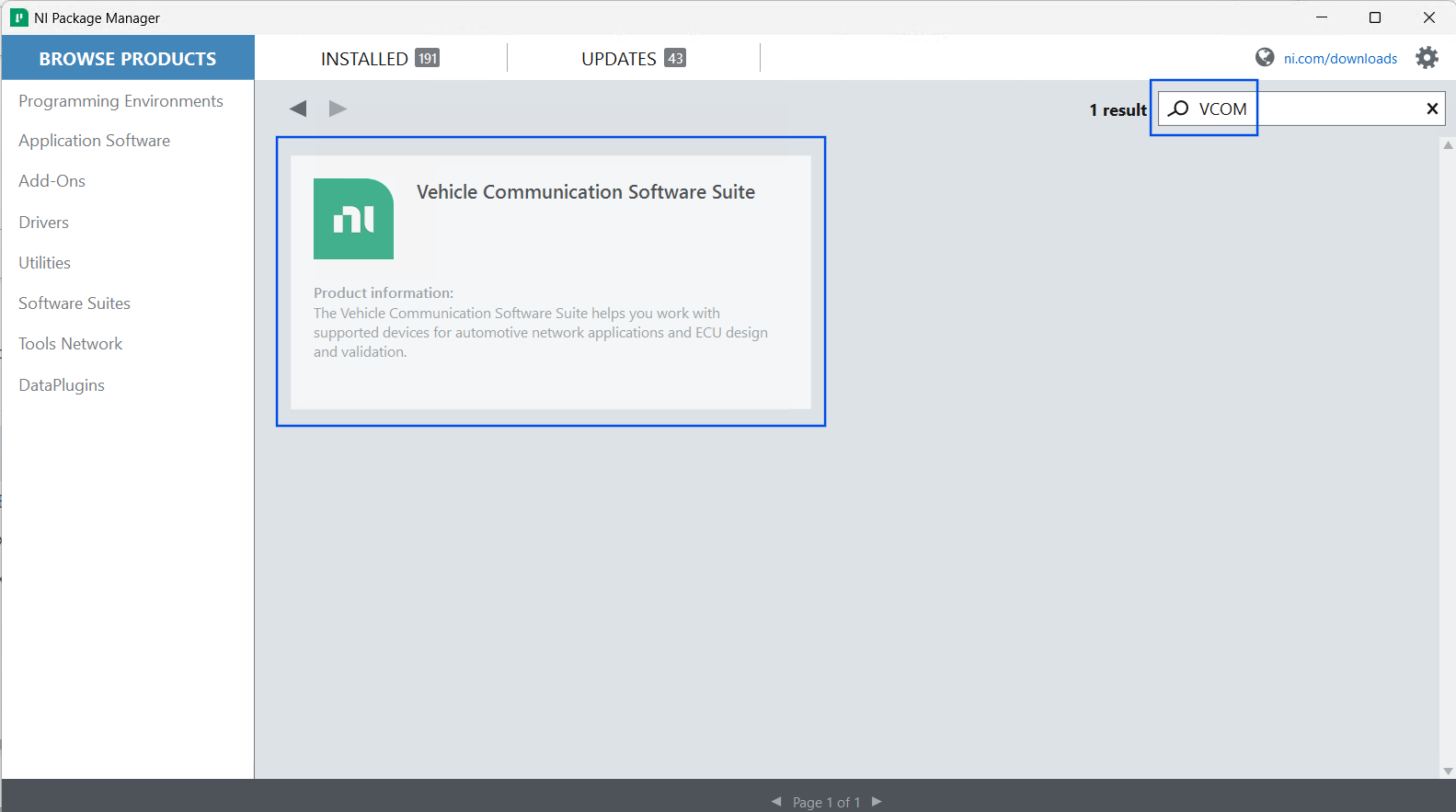
Select the VCOM software suite
Select “Vehicle Communication Software Suite” and install the latest version (preselected).
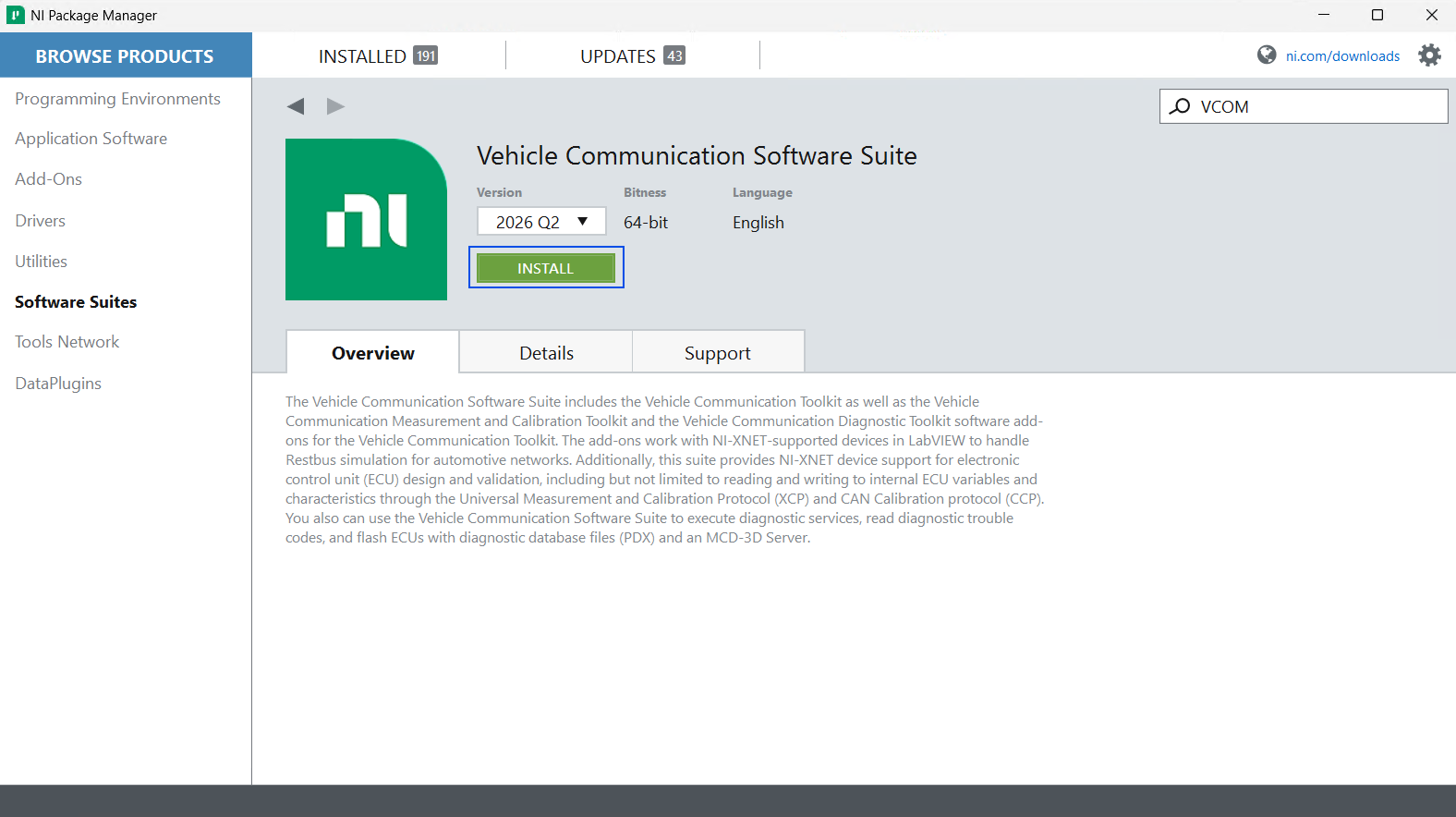
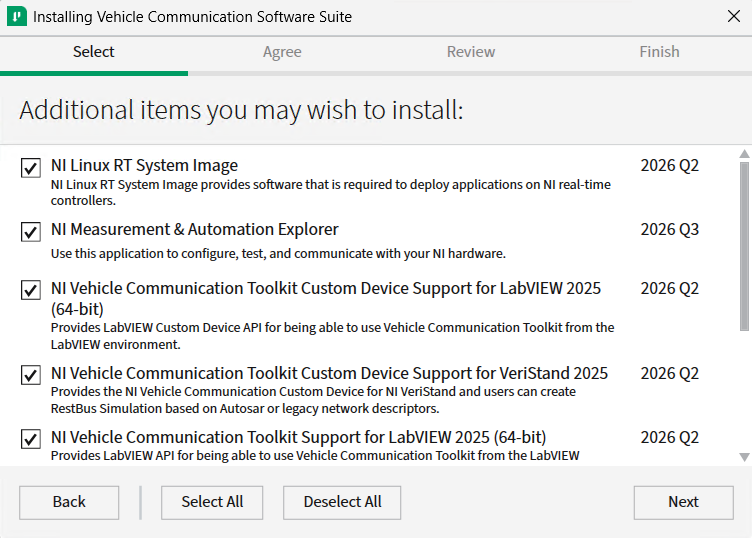
Choose optional add-ons
If you only intend to use Rest-Bus Simulation, you can deselect both optional “ADD-ONS” in the next installation step.
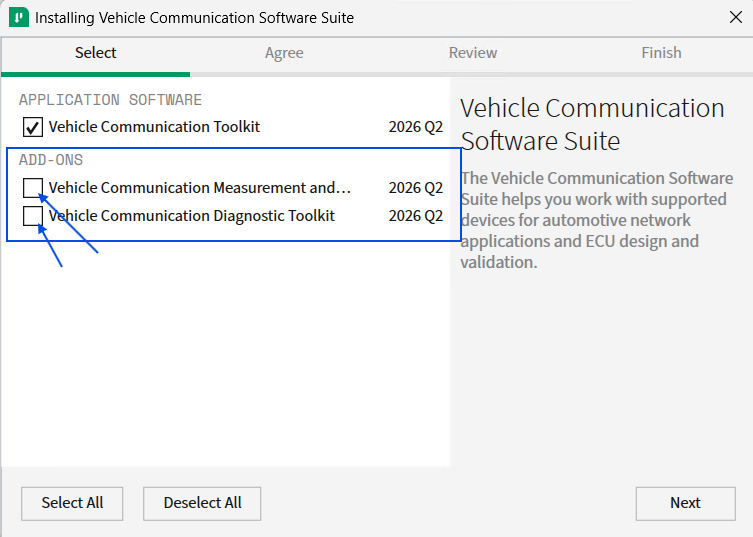
Review additional components
No changes are required in the next dialog.
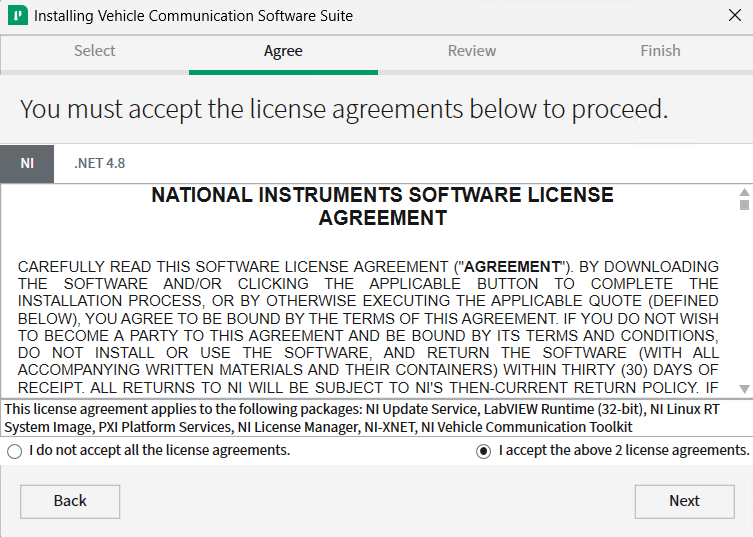
Accept license agreements
Accept the licenses.
Complete installation
Click “Next” and wait until installation finishes.
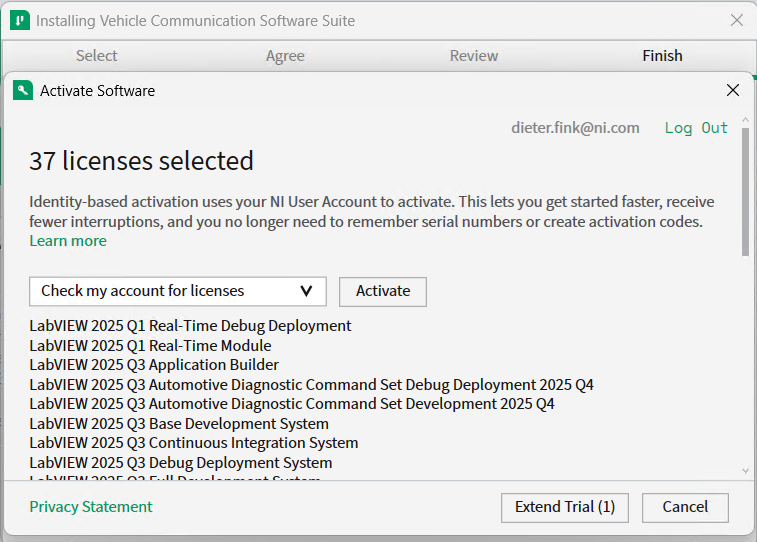
Activate the licenses and reboot the relevant target system after installation.