ECUMC — Installation
Install the NI ECU Measurement and Calibration Toolkit before configuring the VeriStand project.
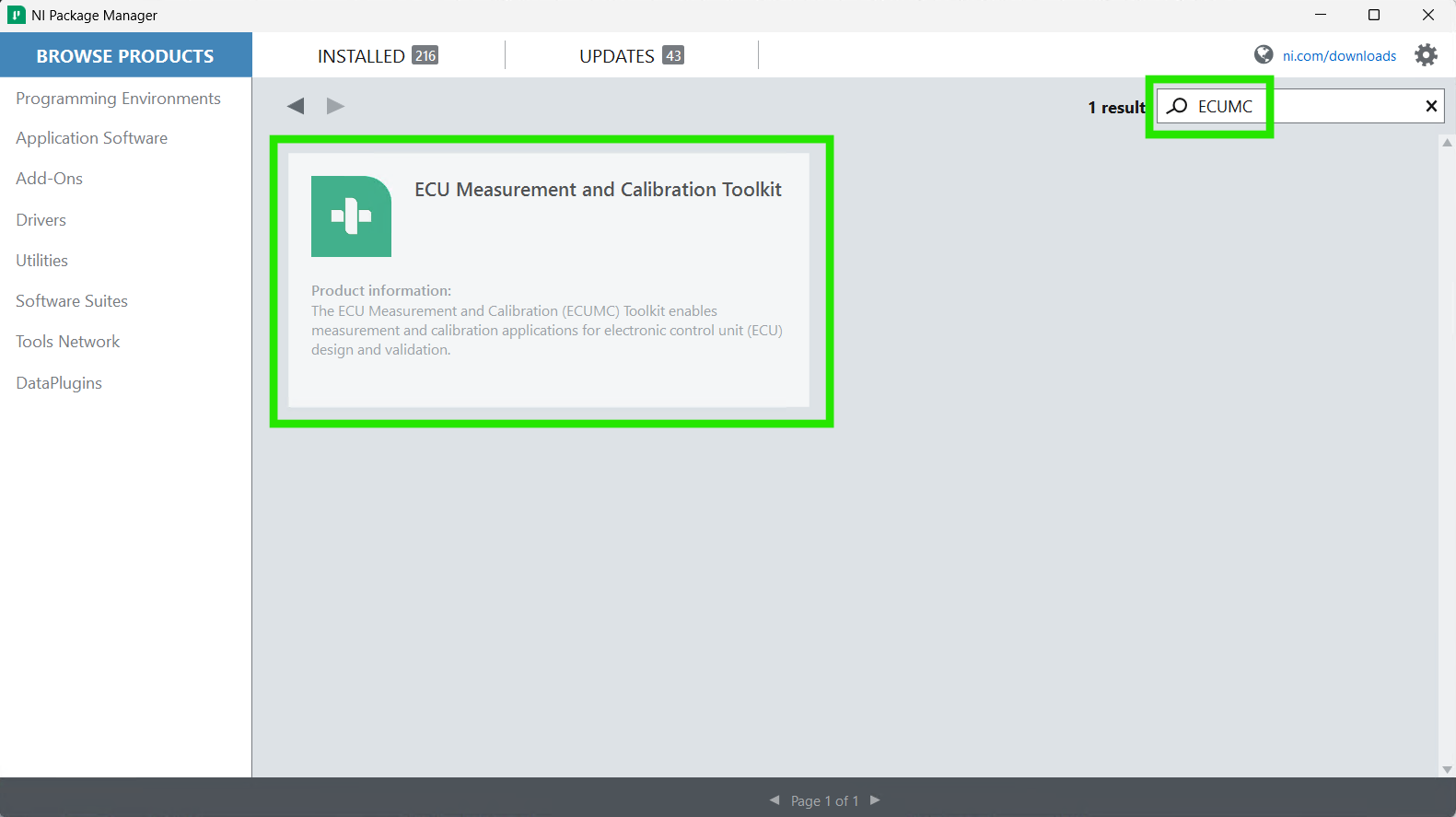
Find ECUMC in NI Package Manager
Open NI Package Manager, search for “ECUMC” using the search field in the upper-right corner, and select the ECU Measurement and Calibration Toolkit.
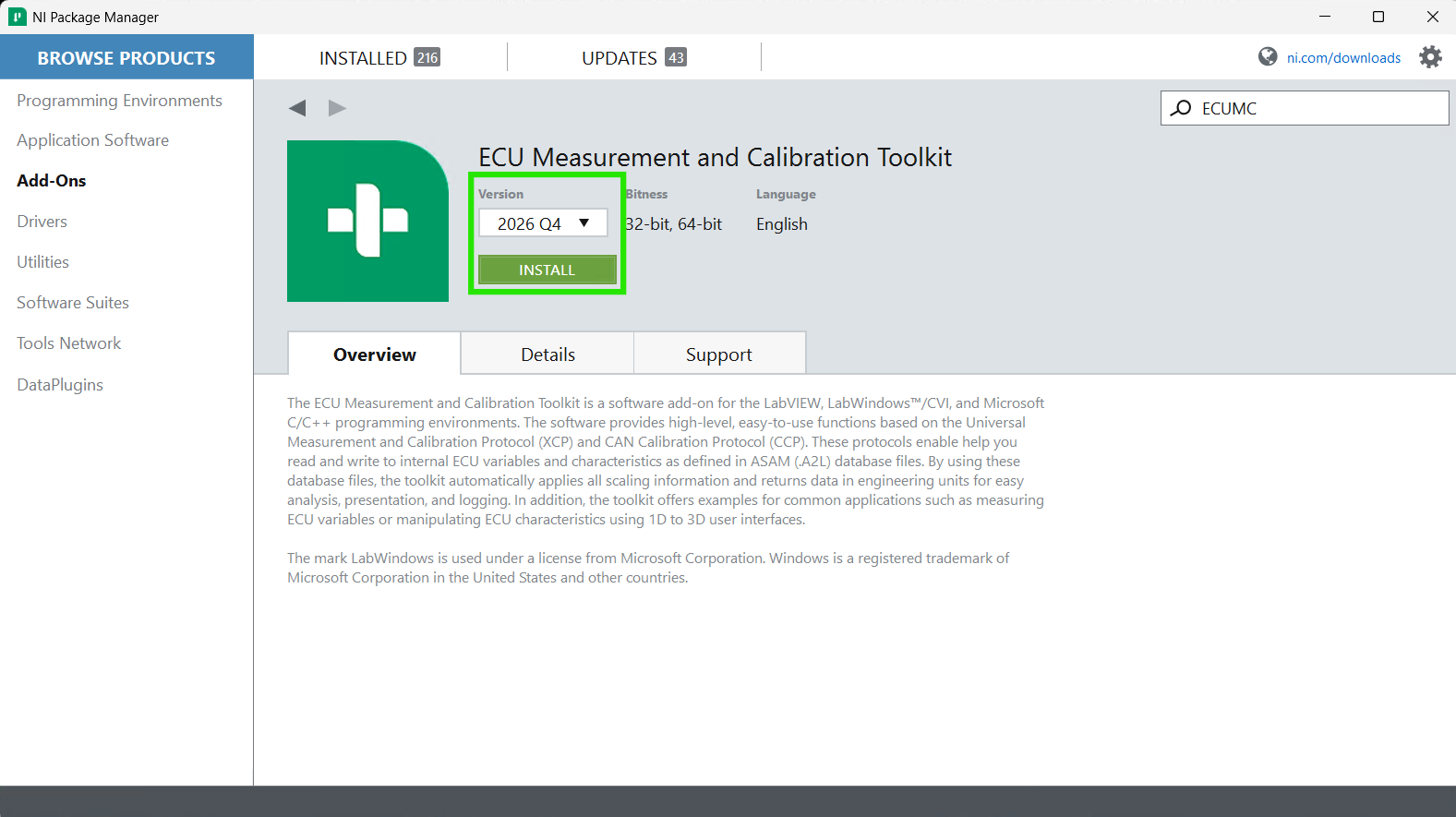
Install the toolkit
Install the latest available version.
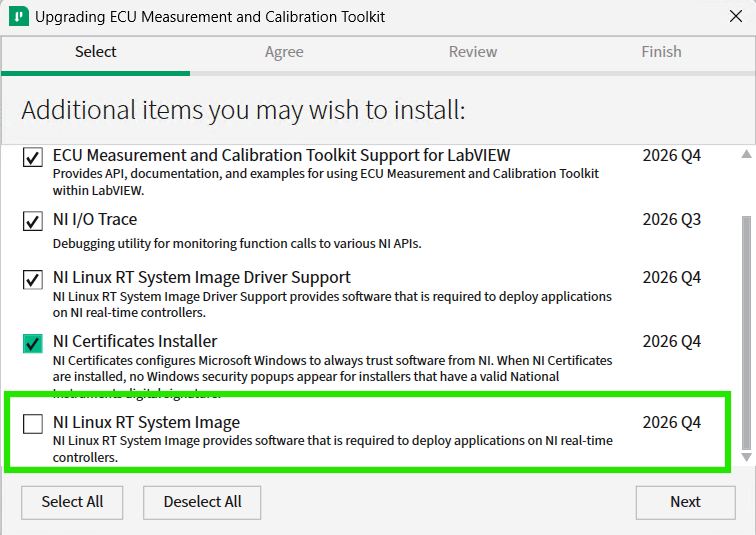
Select optional Linux RT components
Select the NI Linux RT System Image if you plan to run the NI VeriStand project on a Linux RT target.
Accept the license agreements
Accept the license agreements to complete the installation.
After installation, continue with Project Setup.